Black-and-white photography from Poznań

I’m Willy Picard. I photograph in the streets on Kodak Tri-X 400 and on digital, and I build small tools, like the task manager Telos.

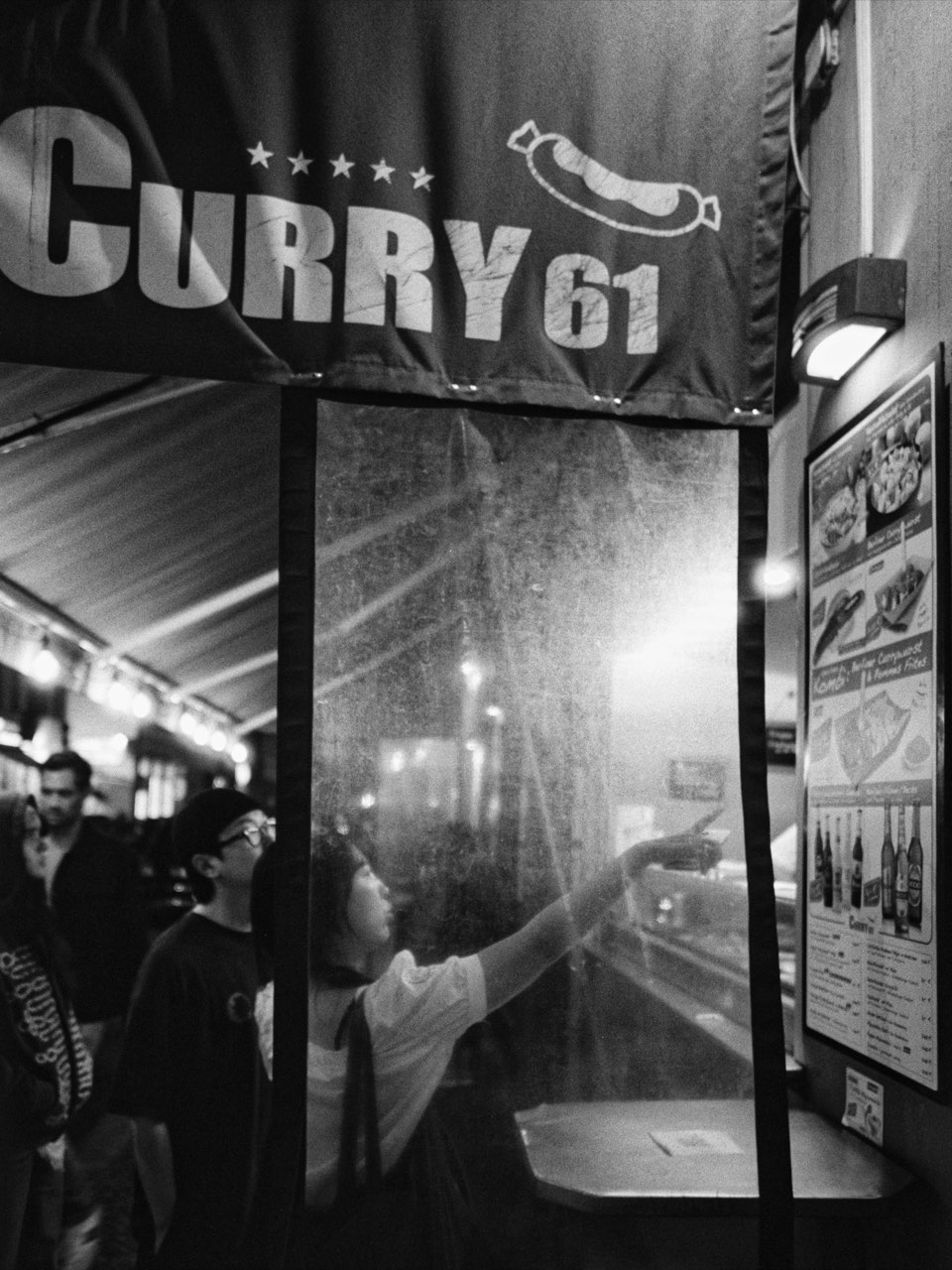
People under the Curry 61 sign at night, a girl pointing at the menu through a misted window

Selected black-and-white photographs

Shot on film and on digital, every one of them in black and white.

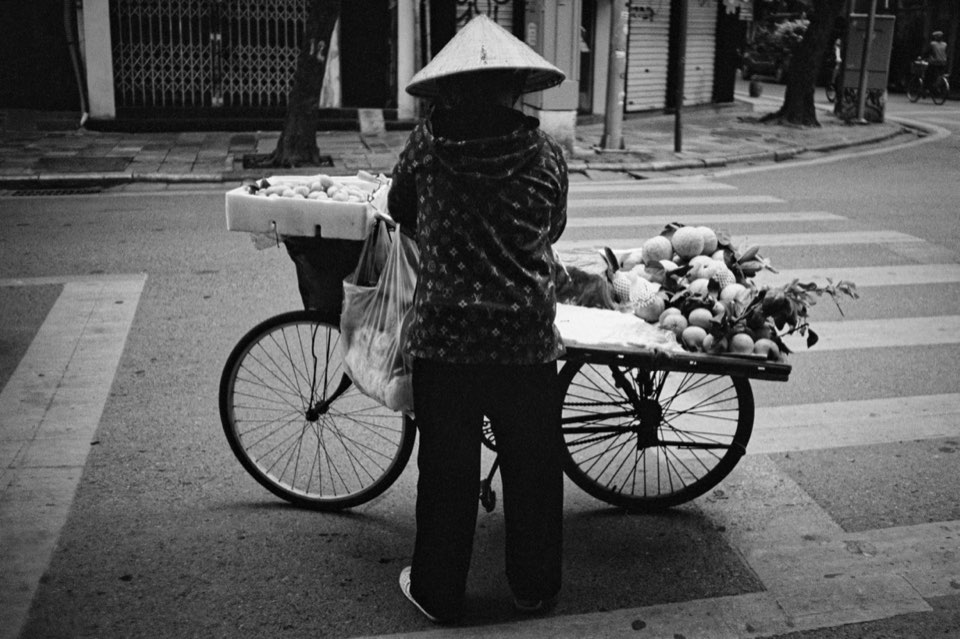
A woman in a conical hat standing with a bicycle loaded with fruit at a pedestrian crossing
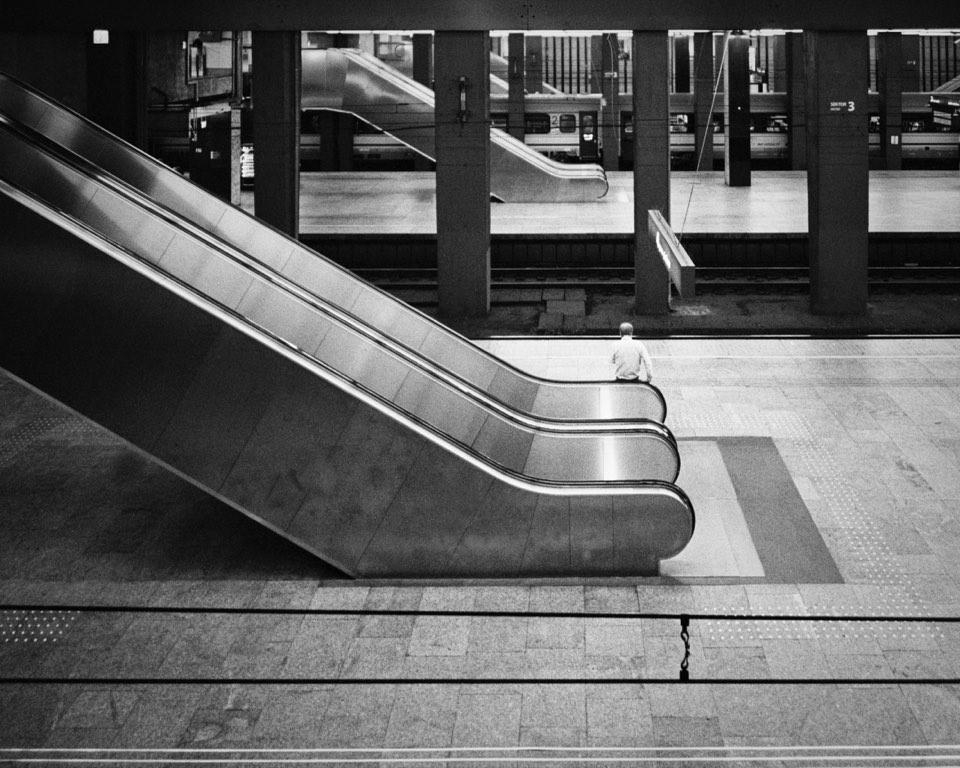
Three escalators running down to a station platform where one man sits waiting
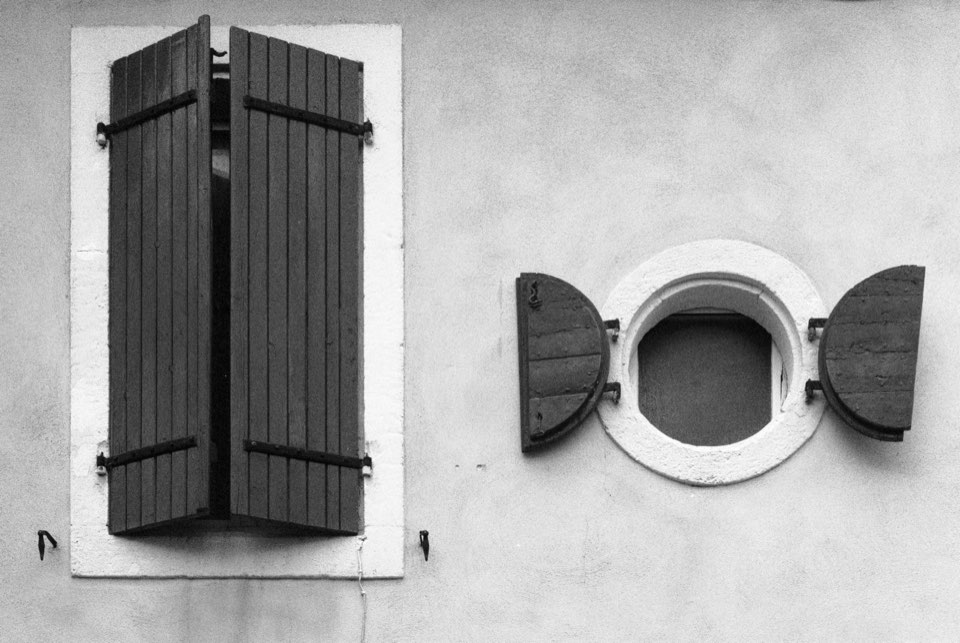
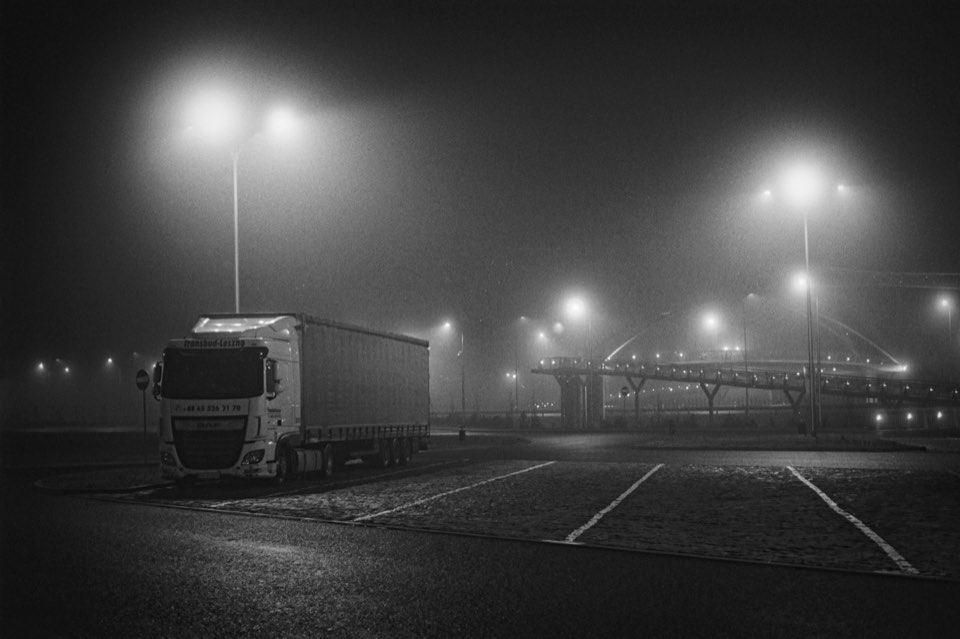
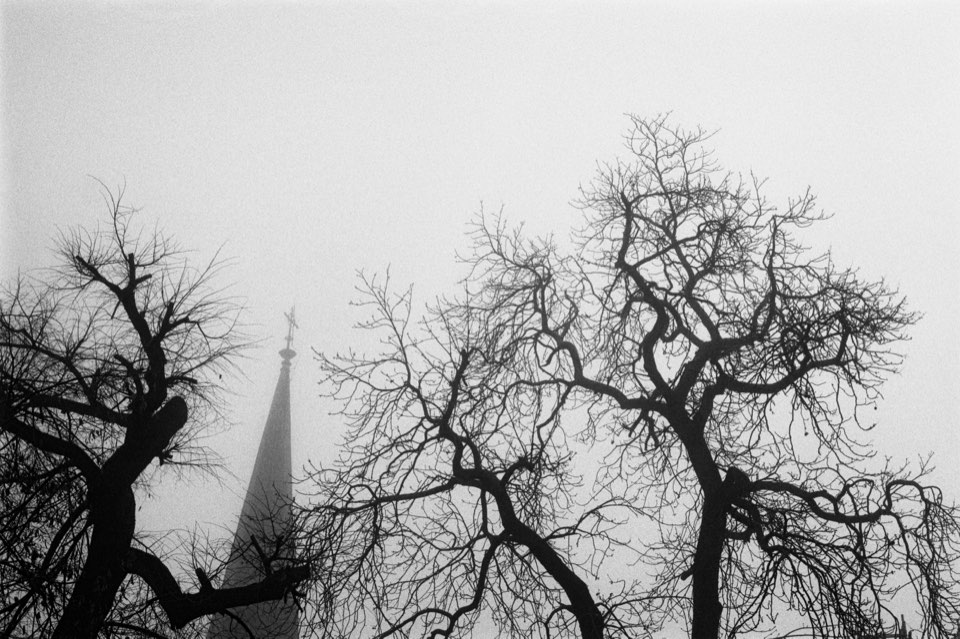
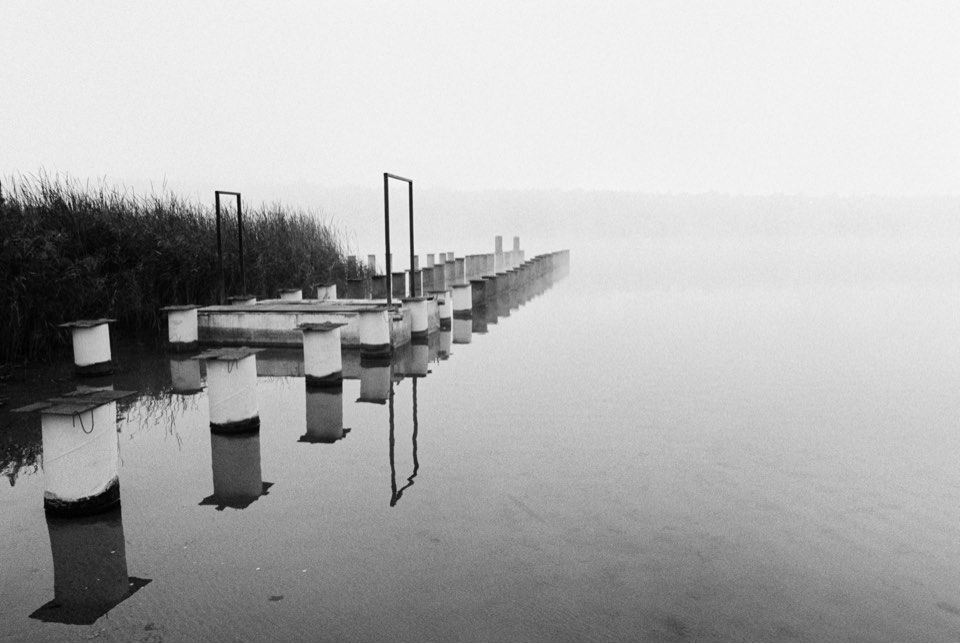
Open wooden shutters and a round window with tiny shutters on a white wall A lorry parked under street lamps in thick fog at night Bare trees and a church spire against a white sky A jetty running out into still, misty water A McCafé sign on a pole leaning into an empty grey sky A white domed church and a statue of a rider against a bright sky

Leica, Nikon and Kodak Tri-X

Two film cameras and two digital ones. My film of choice is Kodak Tri-X 400.

  • Leica M235 mm rangefinderFilm
  • Nikkormat FT3My mum’s camera, which she gave meFilm
  • Leica M10Digital rangefinderDigital
  • Leica Q2Fixed 28 mm lensDigital
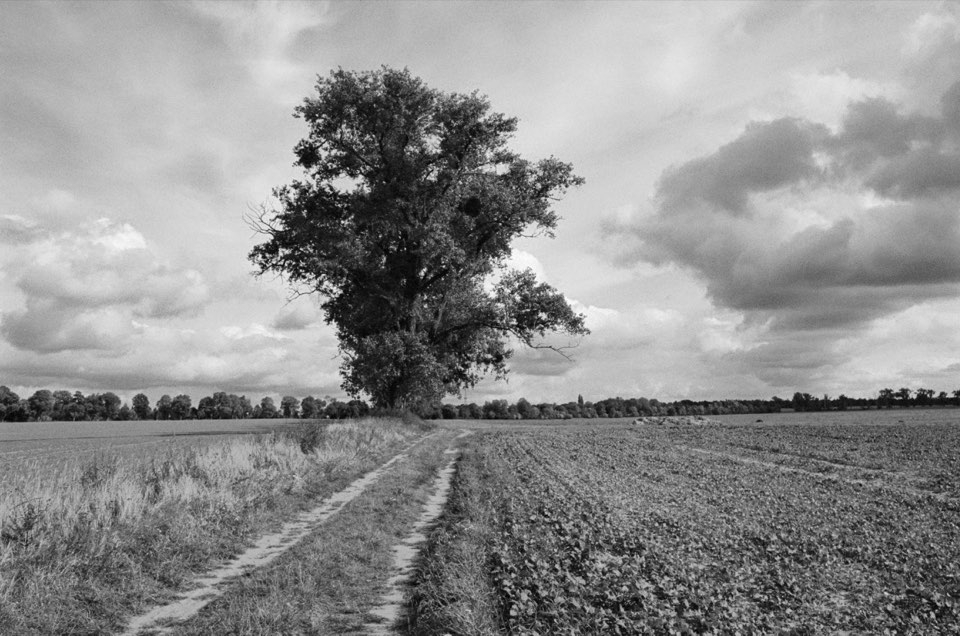
A lone tree at the end of a farm track through a field, under heavy clouds

Photographs made in the streets

I like photographing in the streets, though not always what people call street photography. My favourite photographer is Elliott Erwitt.

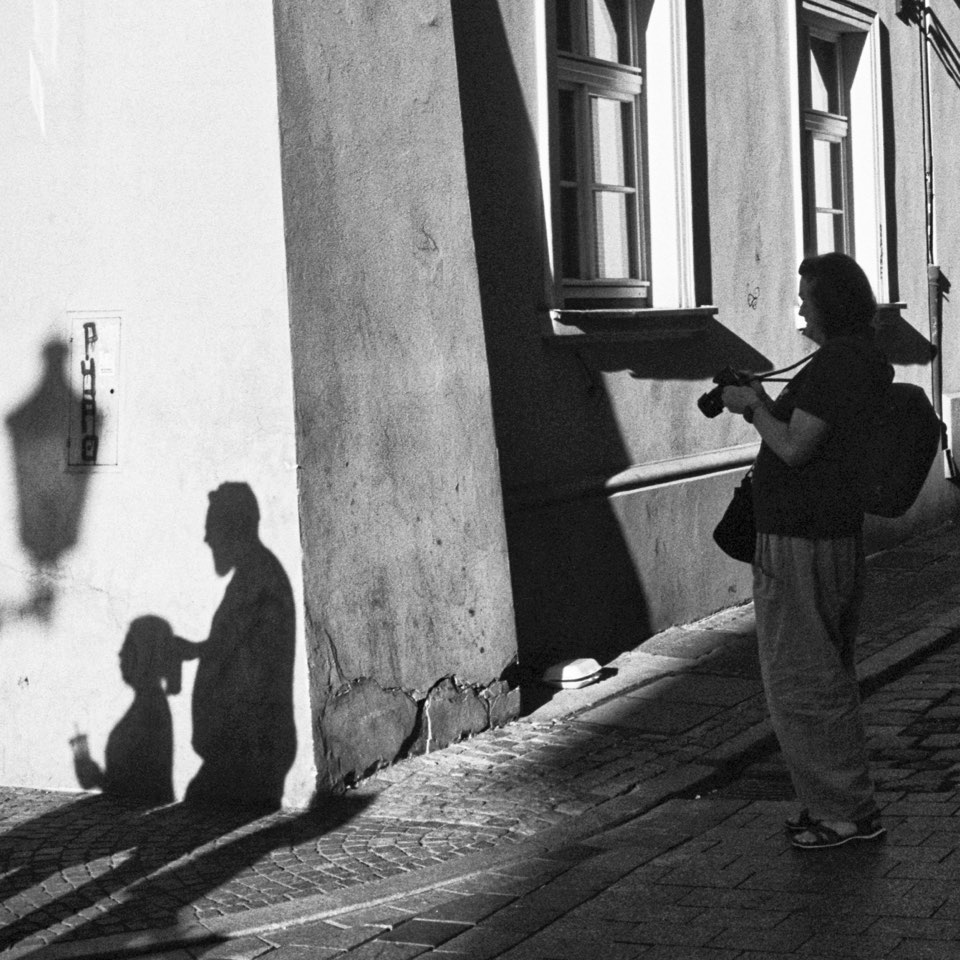
A woman photographing the shadows of a man and a child on a sunlit wall
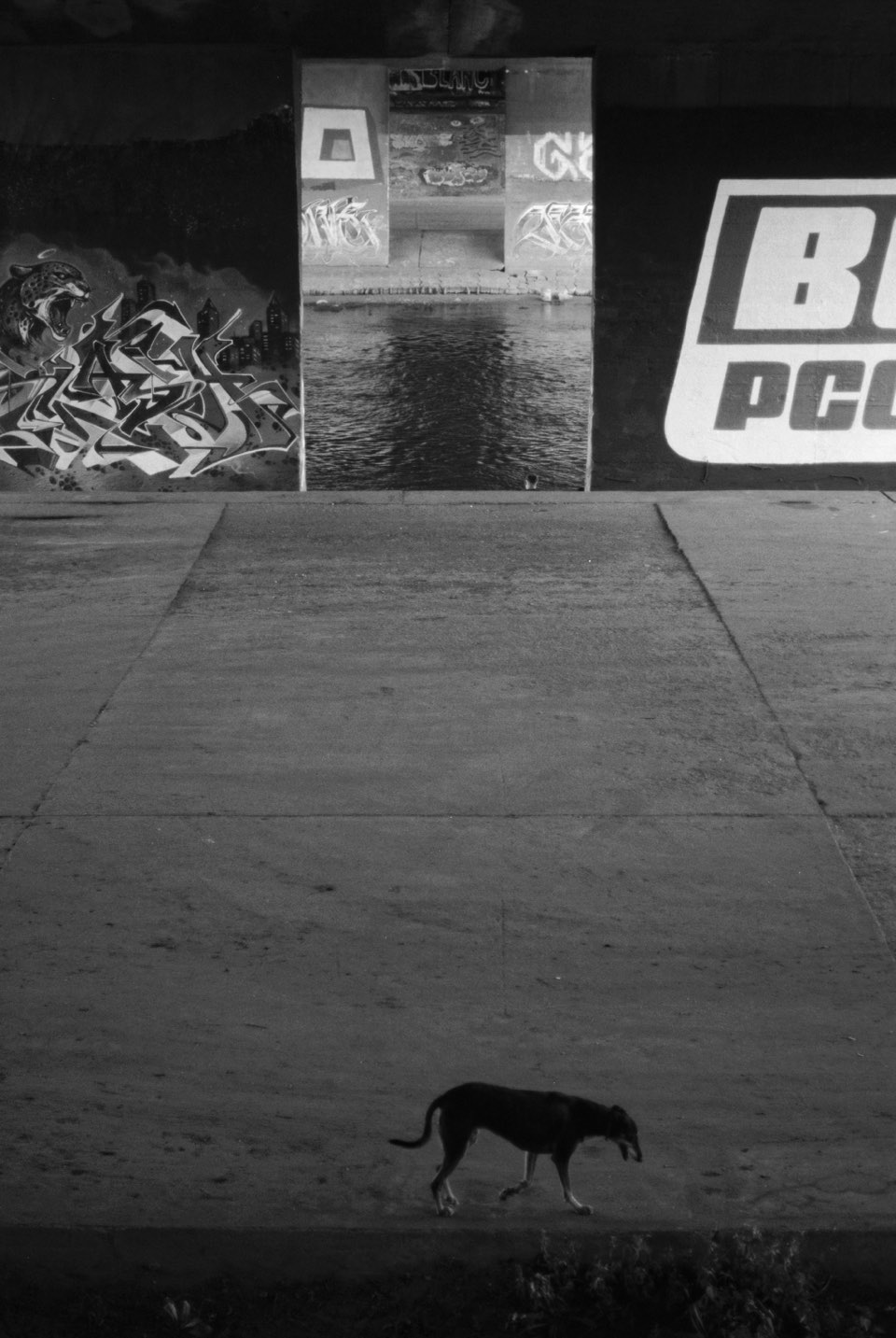
A dog crossing an empty concrete slope under a graffitied bridge
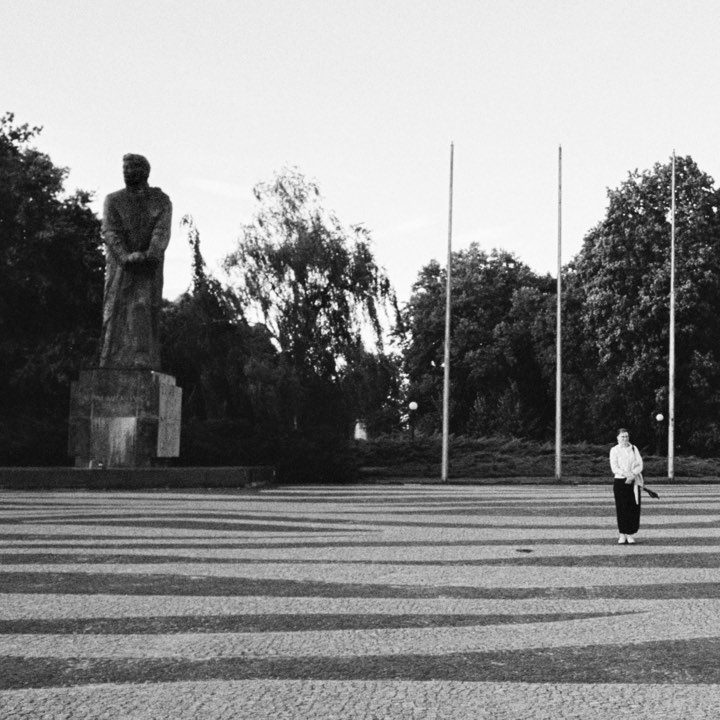
A lone woman standing on a striped square below a statue and three flagpoles

Telos, a time-horizon task manager

Open Telos

The Telos Now view

Every task sits in the inbox or in a day, week, month, quarter or year. The Now view shows them side by side.
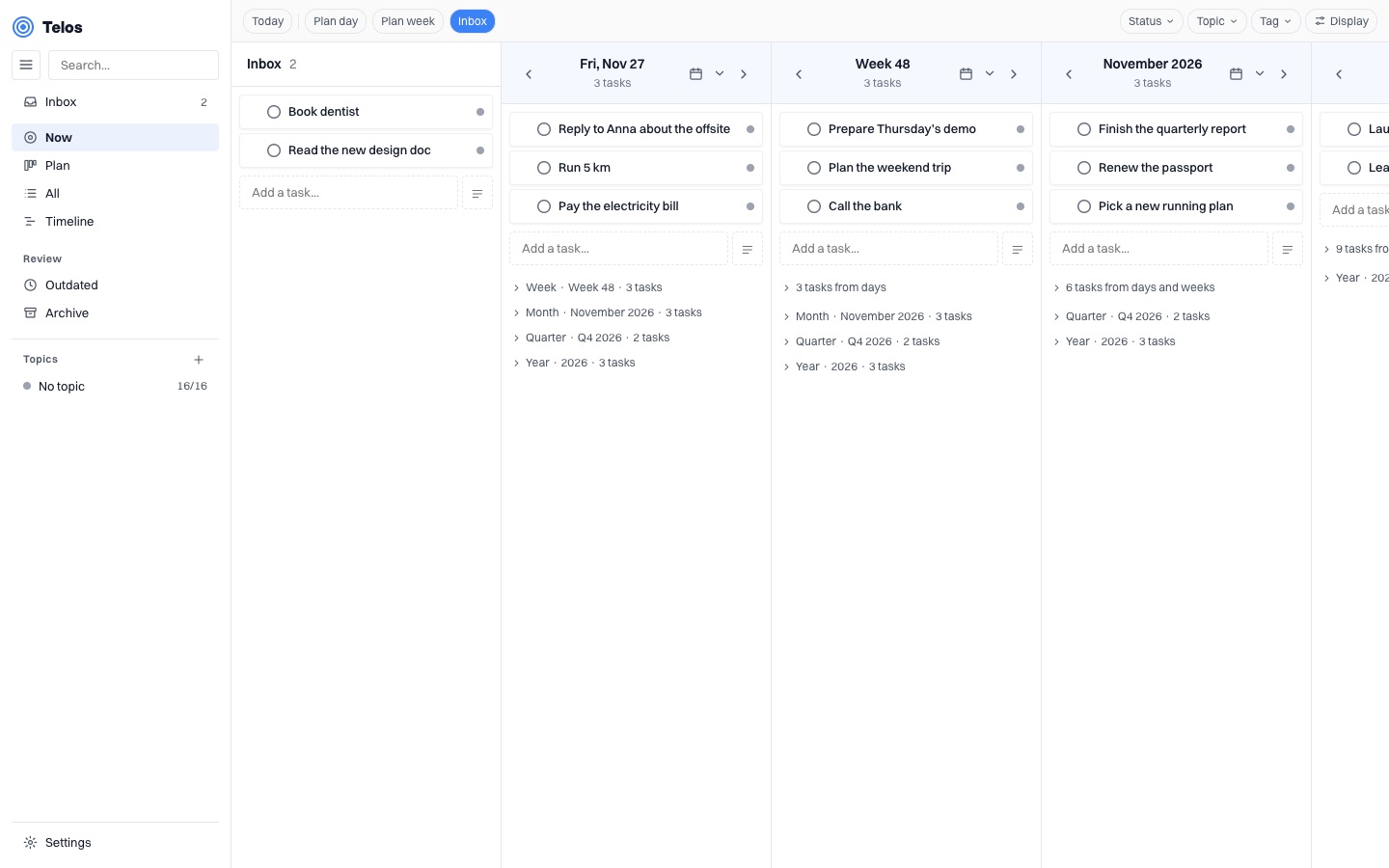
Telos showing the inbox beside today, week 48 and November 2026 as columns of tasks

Telos on a phone

The same horizons, one column at a time, in the browser.
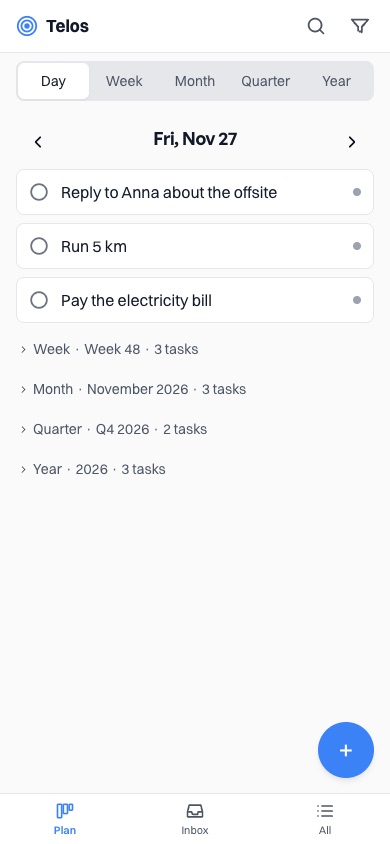
Telos on a phone, showing one horizon as a list of tasks

Drag and drop in Telos

Drop a task on another column and it moves to that period. Drop it on a card and it becomes a subtask.
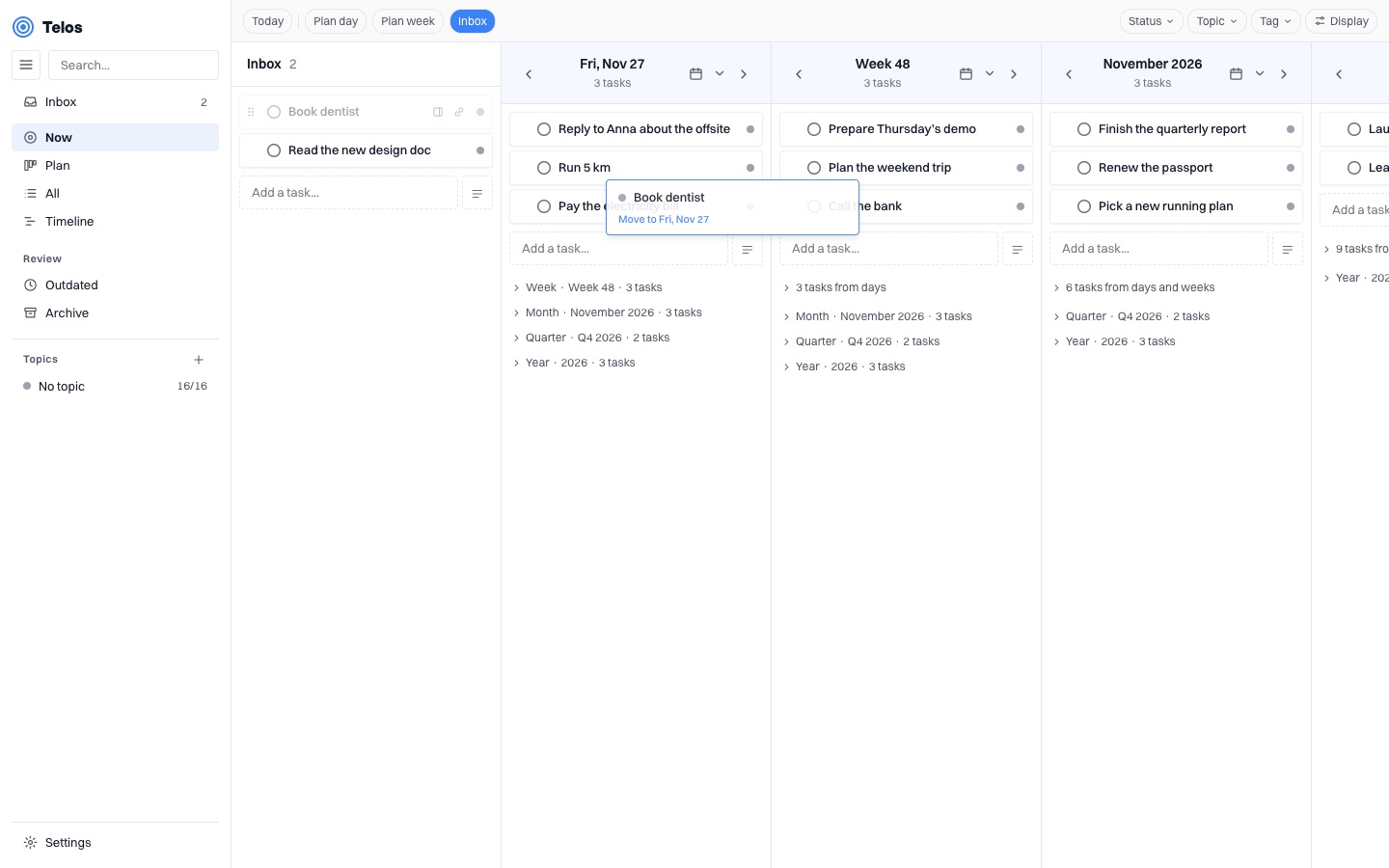
A task being dragged from the inbox onto Friday, labelled Move to Fri, Nov 27

The Plan your day review

Plan your day walks through what is left. Each task gets one click: Tomorrow, Back up, Done or Inbox.
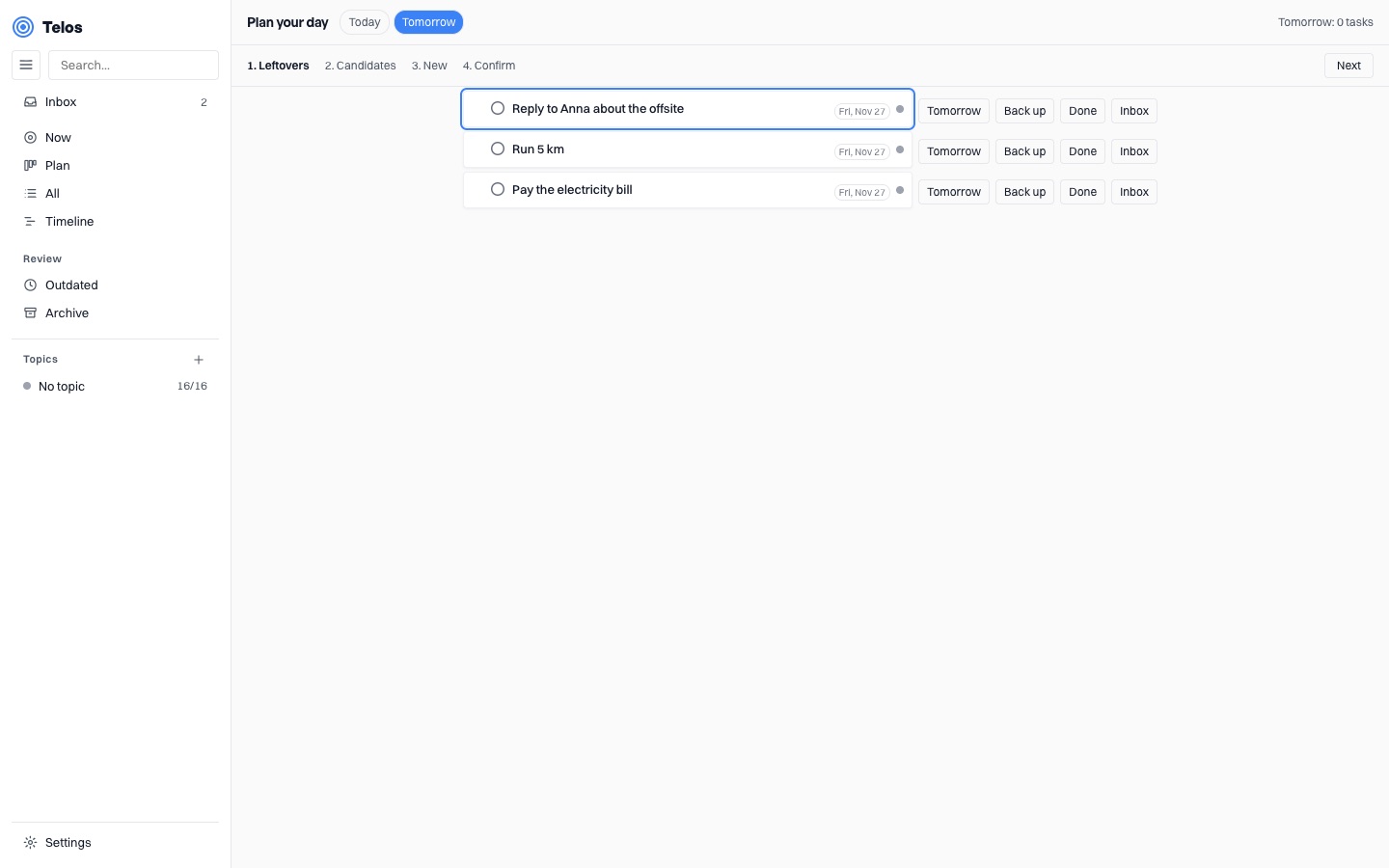
The Plan your day screen listing three leftover tasks with Tomorrow, Back up, Done and Inbox buttons